 Plusmark
One big pad
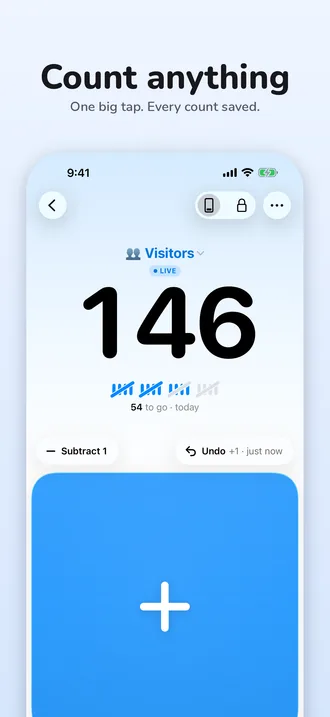
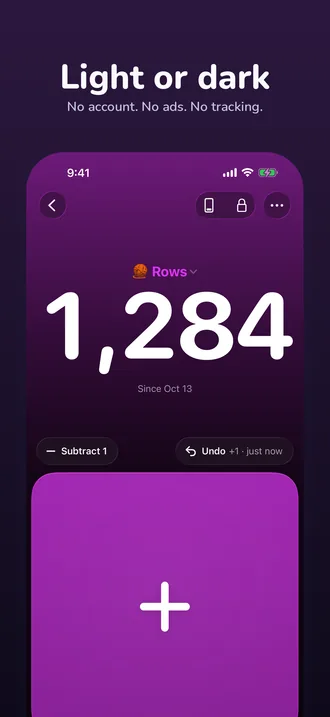
A tinted glass + pad that ripples from where you touch it and gives under your finger. It counts the moment you touch down, one count per finger.
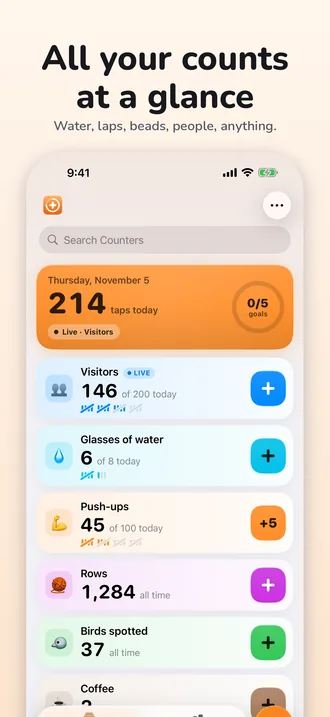
Plusmark is the tally counter for water, reps, laps, rows, prayer beads and people at the door. Name it, tap the glass + pad, and every tap is saved with its time.


$1.99 onceNo subscription, no ads, no account.
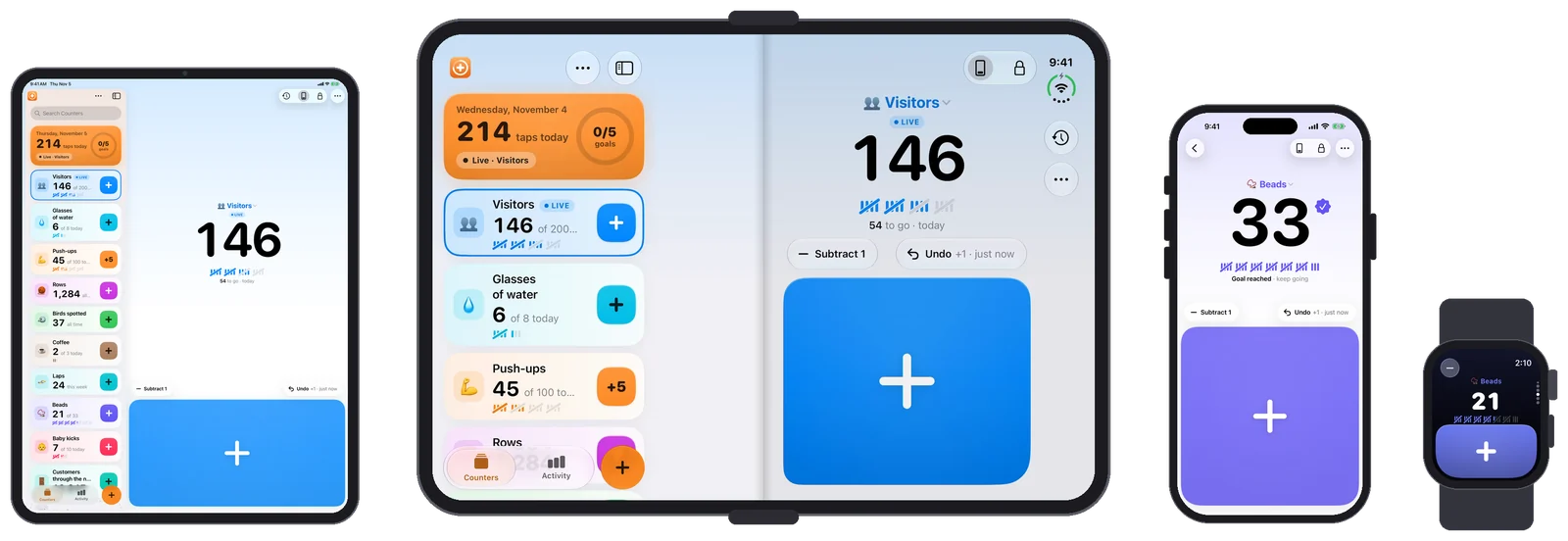
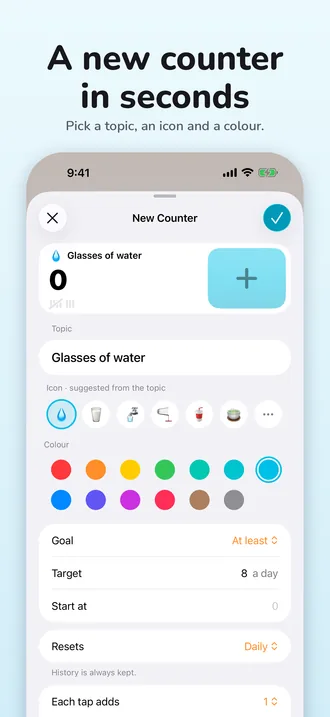
Tap a starter and it comes set up: the icon, the colour, the goal and when it resets. Or type any topic and Plusmark suggests the rest.
This is Plusmark's counter screen, in miniature: today's water, 5 glasses of 8. Tap the big + pad to add one, and watch the tally marks fill towards the goal.
3 to go · today
Try it: tap the pad to reach today's goal.
Everything is built round one big pad, and everything you tap can be taken back.
A tinted glass + pad that ripples from where you touch it and gives under your finger. It counts the moment you touch down, one count per finger.
Subtract and Undo sit right above the pad, and Undo says what it takes back. Hold it to see the counter's last 20 changes. Shake to undo works too.
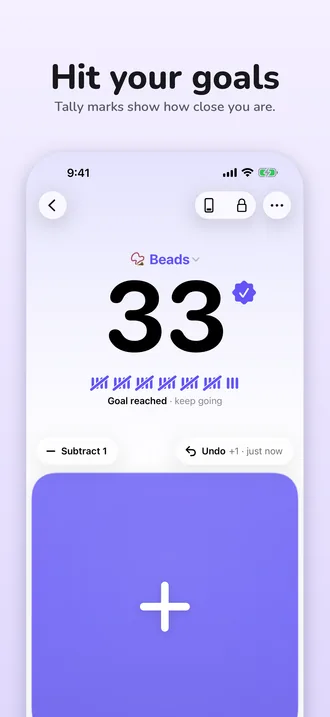
Aim for at least 8 glasses, or at most 3 coffees. Tally marks fill towards the goal and you get a little celebration when you reach it. A limit warns you, it never blocks a tap.
Start fresh every day, week or month, or never. The count goes back to zero but every tap stays in History, and a reset can be undone for 10 minutes.
Today, 7 days or all time, with a chart and a timeline. Every tap keeps its time and where it came from: the app, a widget, Siri, the watch.
Each tap can add 1, 2, 5, 10 or any number up to a million. Push-ups by fives, laps by twos.
A firm tap every 33 (or any number you pick) so you feel each round. Lock the pad in your pocket and keep the screen on.
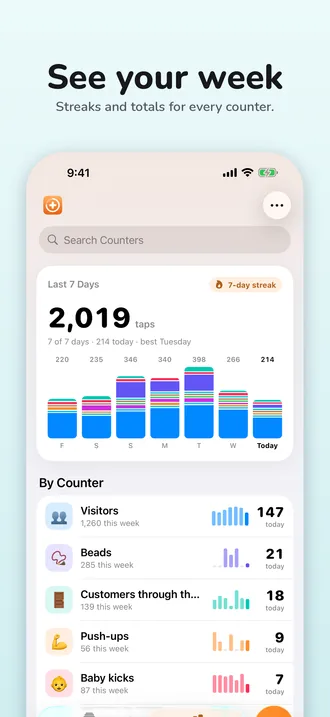
Activity shows the last 7 days across every counter: total taps, today, your best day and your streak.
13 colours, any emoji or one of 80 symbols, and Light, Dark or System appearance. Left-handed mode mirrors the controls.
Every counter can live on your Home Screen, your Lock Screen, in Control Center and on your watch face.
Home Screen and Lock Screen widgets with their own + key. The Counters widget shows 3 or 6 at once, each with its own key.
Count from the Lock Screen and the Dynamic Island, even while your iPhone is locked. It shows the tally marks and how many you've added this session.
Add 1 or Start Counting for any counter, from Control Center, the Lock Screen or the Action button.
Count with your voice, or build it into a Shortcut.
Your counters stay in step through your own iCloud. Every tap syncs on its own, so taps on two devices at once add up.
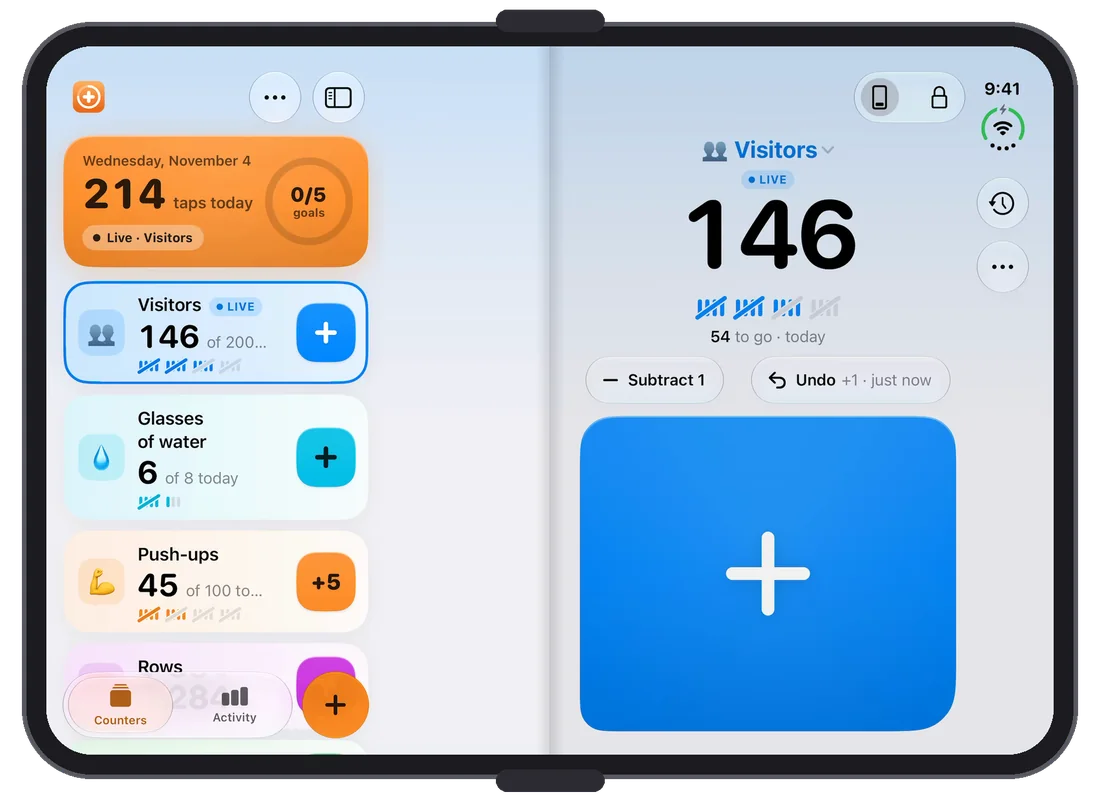
Plusmark knows how you're holding it.
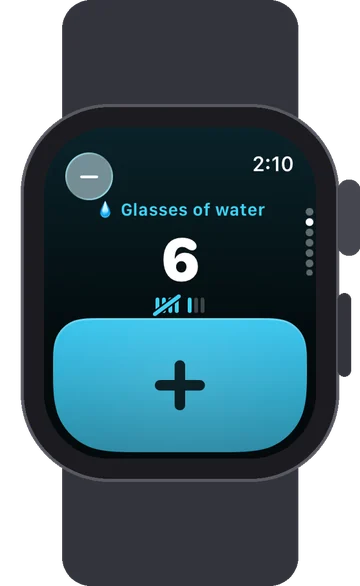
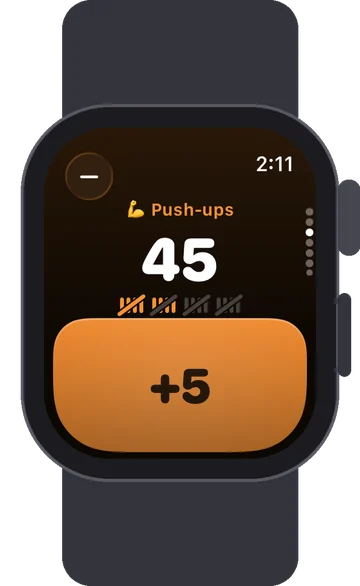
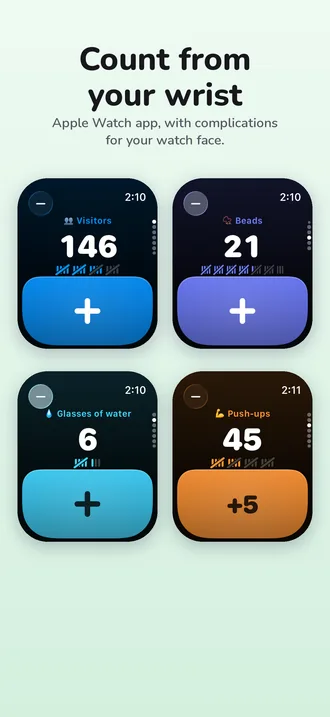
Swipe or turn the Crown to pick a counter, then tap the pad or use Double Tap. Complications put a + key on your watch face.
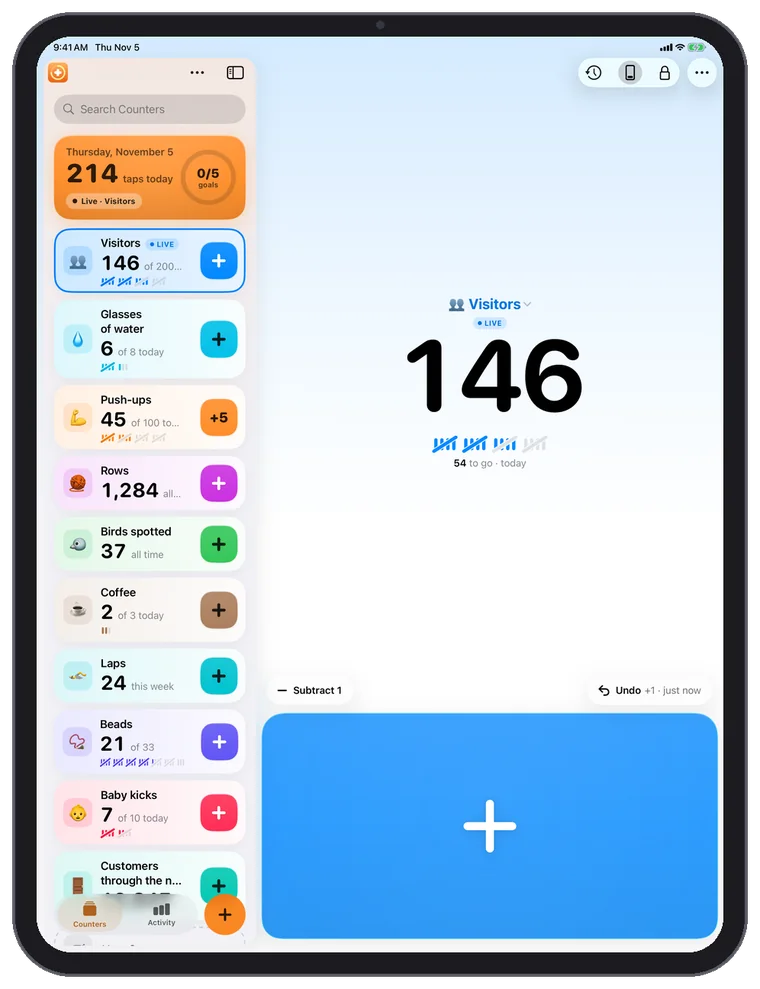
Your counters in a sidebar, History beside the count, more windows, Stage Manager and keyboard shortcuts: Space adds, Delete subtracts, ⌘Z undoes.
Light by default, with a Dark mode that glows. Big numbers you can read across the room.
$1.99
Once, on the App Store. That's the US price; the App Store shows yours in your currency.Your App Store price, in your currency.
Plusmark doesn't collect anything about you. Apple's privacy label for it says: Data Not Collected.
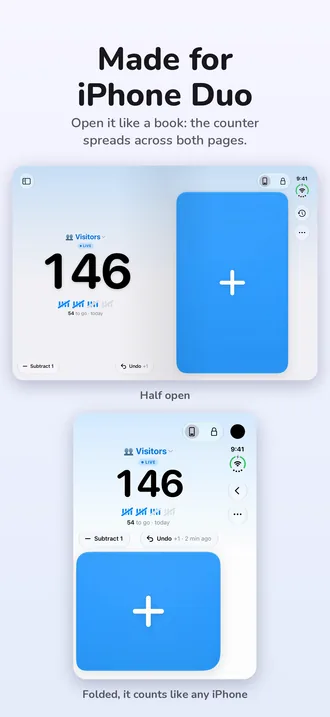
Plusmark is a tally counter app for iPhone, iPad, iPhone Duo and Apple Watch. Name what you're counting, tap the big + pad, and every tap is saved with its time. It counts anything: water, reps, laps, knitting rows, prayer beads, people at the door.
On the App Store it's called Plusmark: The Nice Counter. It's made by The Cloud Grid.
$1.99, once. That's $1.99 in the US, and the App Store shows the price in your own currency. There's no subscription, no in-app purchase and no ads.
No. There's no account and no sign-in. Plusmark works offline, and keeps your counters in step across your devices through your own iCloud if you use it.
Yes. In Edit Counter, Each tap adds can be 1, 2, 5, 10 or a custom number up to 1,000,000. Widgets, controls, Siri and the watch add the same step.
A goal (At least) is a number to reach: tally marks fill towards it, the counter says how many are left ("54 to go · today"), and there's a little celebration when you get there. A limit (At most) is a number to stay under: Plusmark shows how many are left and warns you at the limit, but never blocks a tap.
Each counter resets daily, weekly, monthly or never. Daily resets happen at midnight, weekly ones on the first day of your week (from your region settings) and monthly ones on the 1st. The count goes back to zero but History keeps every tap, and you can undo a reset for 10 minutes.
The watch app comes with the iPhone app and gets your counters through iCloud; you make and edit counters on the iPhone or iPad. Once they're on the watch you can count there.
How many beads are on a rosary, how much water to drink, how to keep track of reps: plain guides to the things people count.
A standard five-decade rosary has 59 beads plus a crucifix and centrepiece. What each bead is for, the mysteries by day, and how to keep count without beads.
Read the guide →HabitsWhat the NHS, the National Academies and the CDC say about daily fluids, why glasses make a simple unit, and an easy way to keep count with a daily reset.
Read the guide →FitnessReps vs sets in plain words, counting up or down, pyramids and ladders, big daily goals, and simple ways to keep the running total out of your head.
Read the guide →
One big tap on every device you own.