 Plusmark
Rounds you can feel
The milestone haptic is a heavier tap every N counts, so you know a round is done without looking.
Count dhikr, the rosary, a mala or any repeated prayer without looking at the screen. Plusmark gives a firm tap at every round and stays out of the way: no ads, no account.


$1.99 onceNo subscription, no ads, no account.
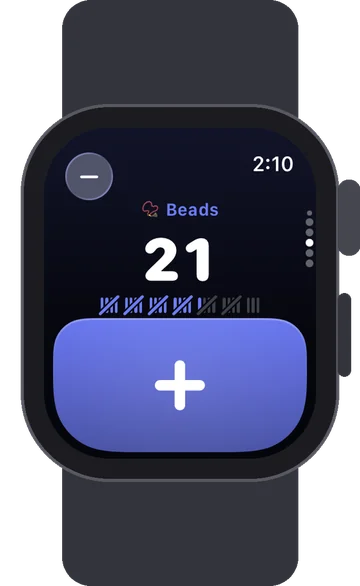
The milestone haptic is a heavier tap every N counts, so you know a round is done without looking.
Count with a pinch of your fingers, eyes closed.
Dark appearance for the evening, and the screen can stay on while you pray.
No account, no ads, no tracking. Your counts stay on your devices and in your own iCloud.
Yes. The milestone haptic can be any number (the Beads starter uses 33), and a goal can be 99, 100 or any count you aim for.
Only if you want: Click Sound is off until you turn it on in Settings, and it follows the Silent switch.
The starter is Beads with rounds of 33. Change the milestone to 10 for a rosary decade or 108 for a mala.
iPhone, iPad, iPhone Duo and Apple Watch. No subscription, no ads, no account.