 Plusmark
Any step
Each tap adds 1, 2, 5, 10 or a number you choose, so one tap can be a whole set.
Set each tap to add 5, knock out a set, slap the pad. Plusmark keeps the daily total, the goal and every set, timed to the second.


$1.99 onceNo subscription, no ads, no account.
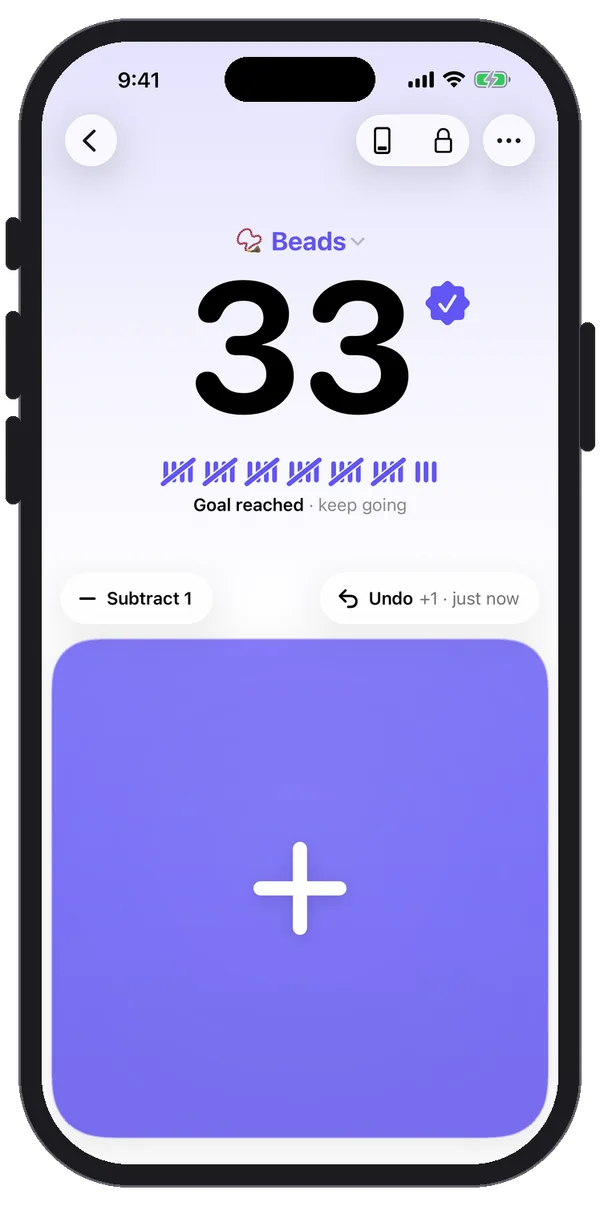
Each tap adds 1, 2, 5, 10 or a number you choose, so one tap can be a whole set.
On Apple Watch, Double Tap adds one without touching the screen. On iPhone, Siri can: "Add one to Push-ups in Plusmark".
Turn on a firm tap every 10 or 25 so you know where you are without looking.
History groups quick taps into one row and keeps each one timed to the second.
Yes. In Edit Counter, set Each tap adds to 1, 2, 5, 10 or a custom number up to 1,000,000.
No. Plusmark counts your taps; it doesn't detect movement. That keeps it exact: you decide what counts.
Plusmark's watch app comes with the iPhone app and gets your counters through iCloud. Once they're on the watch you can count there, and the taps sync back to your other devices.
iPhone, iPad, iPhone Duo and Apple Watch. No subscription, no ads, no account.