 Plusmark
Double Tap on the watch
Pinch your fingers twice on Apple Watch to add a lap, no screen to find.
Tap once a lap. Plusmark keeps the count, and History keeps the minute and second of every tap, so you can see how the laps went.


$1.99 onceNo subscription, no ads, no account.
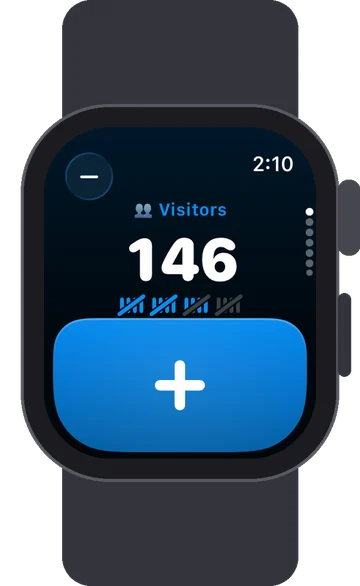
Pinch your fingers twice on Apple Watch to add a lap, no screen to find.
Every tap is saved with its time, so a run of laps doubles as a rough lap log.
Lock Pad stops stray touches; hold the pad for a moment to count again.
Keep Screen On, from the counter's More menu, while you're counting from the side.
It isn't a stopwatch, but every tap is saved to the second. Open a run of taps in History to see when each lap was counted.
No. On Apple Watch the Crown moves between counters; tap the pad or use Double Tap to count.
Plusmark counts taps on the screen, so it isn't made for counting in the water. It works well for counting lengths from the poolside.
iPhone, iPad, iPhone Duo and Apple Watch. No subscription, no ads, no account.