 Plusmark
Swipe to the counter
Your counters are pages: swipe or turn the Digital Crown to move between them.
Plusmark on Apple Watch puts your counters one swipe apart and the pad under your thumb. Tap, or just Double Tap, and it's counted on all your devices.


$1.99 onceNo subscription, no ads, no account.
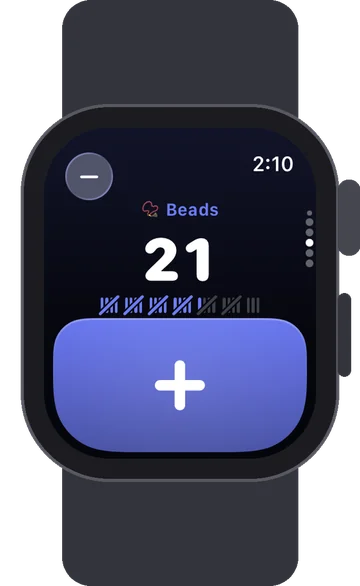
Your counters are pages: swipe or turn the Digital Crown to move between them.
Tap the big pad, or pinch twice with Double Tap. Each tap adds the counter's step, so +5 counters add 5.
A haptic on every count and a success tap when you reach the goal.
Goals show their tally marks, just like on the iPhone.
Circular, rectangular (with a + key), corner and inline, for the counter you choose.
Taps sync with your iPhone and iPad through your own iCloud.
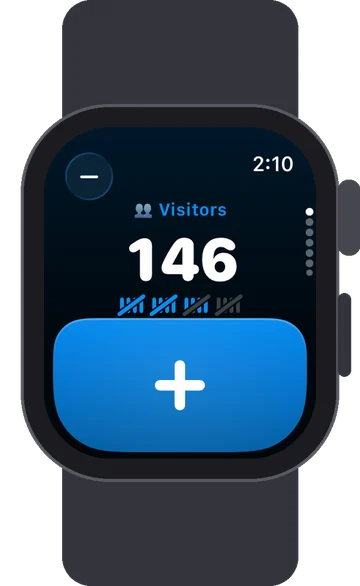
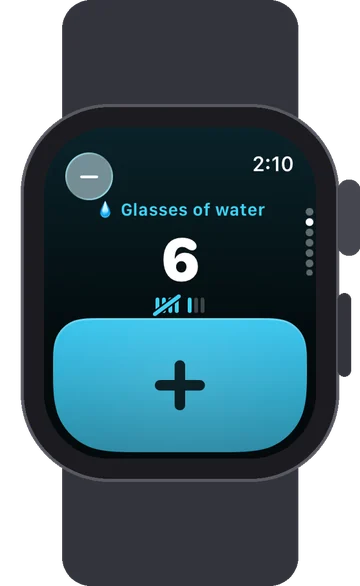
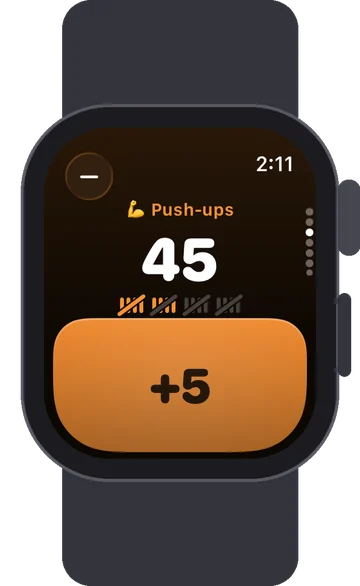
Open Plusmark, swipe up or down (or turn the Digital Crown) to the counter you want, and tap the pad. Double Tap on Apple Watch adds one too. The − button at the top takes one off.
No. The Crown moves between your counters. Counting is a tap on the pad or Double Tap.
Circular (shows the count and opens the counter), rectangular (with a + key that counts), corner and inline. Each one shows the counter you pick.
The watch app comes with the iPhone app, and your counters reach the watch through your iCloud. You make and edit counters on the iPhone or iPad; once they're on the watch you can count there, and the taps sync back.
The watch counts, subtracts and shows tally marks for goals; History, Undo and editing are on the iPhone and iPad.
When a counter's Live Activity is running on your iPhone, it shows in the watch's Smart Stack, and Double Tap adds one from there.
The watch app comes with Plusmark for iPhone: $1.99 once, watchOS 26 or later.